
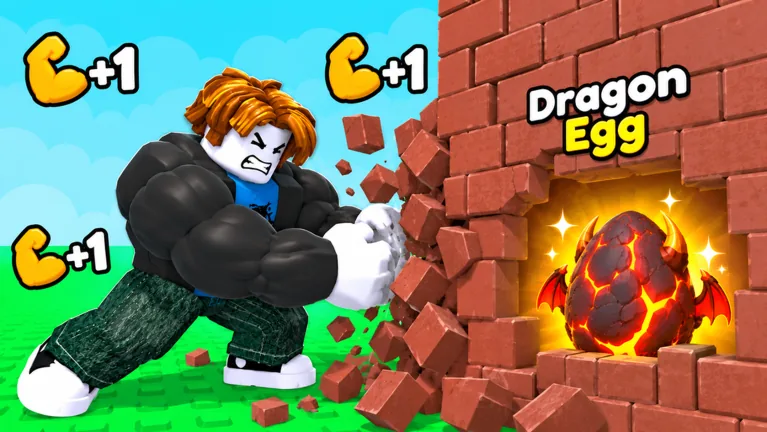
Read the Egg’s state before interacting
Bring the Egg to your own plot and place it. If it shows a countdown, wait for incubation; if it says Ready! Open it, walk up and use the opening interaction. A carried Egg, an incubating Egg and a ready Egg are different stages of the same collection loop.
Start by checking that state. Before treating an Egg as stuck, confirm which stage it is in. Picking it up out in a Zone does not automatically finish placement or hatch its Animal.
Finish delivery before expecting a timer
The tutorial moves from Pick up the Egg to Place your egg anywhere on your plot. Follow that placement instruction at your own base. Dropping an Egg during the return trip is not a substitute for completing delivery.
After placement, look at the label above that specific Egg. Check the name and state on the same Egg, especially when several are close together. A timer above a nearby Egg does not tell you whether the Egg directly in front of you is ready.
If you are still carrying the Egg, finish the return and placement step first. If it is already on your plot, stop checking collection controls and read the hatch label instead.
Countdown and Ready mean different actions
| Displayed state | What to do |
|---|---|
| You are still carrying the Egg | Return to your own plot and place it |
| A countdown is visible | Let incubation continue and plan another task |
| Ready! Open it is visible | Approach that Egg and use its opening prompt |
| A Skip offer is displayed | Inspect the optional offer before deciding to buy |
| The Animal has appeared | Read its identity and income label |
Eggs do not all need to finish together. A ready starter Egg can sit beside another Egg that is still counting down. Open the ready one, then use the remaining incubation time for training or another collection trip.
Read each Egg’s current timer rather than borrowing a time from a different Egg, another save or a boosted run. Plan around the timer on the Egg you placed.
Use the opening prompt when it is ready
Walk up to an Egg marked ready and use the interaction shown on your device. Check that you are targeting the right Egg if several labels overlap. The starter tutorial explicitly asks you to walk up and open your Egg, so reaching the plot is not the final action by itself.
After opening, look for the Animal and its Cash-per-second label. The Animal and its income label show that hatching is complete and it can now earn Cash. Do not expect an unopened Egg’s label to stand in for the Animal’s earnings.
If the prompt still offers Skip, check the Egg’s timer before pressing it. Skip is an incubation offer, not the normal interaction for opening a ready Egg.
Keep paid Skip separate from waiting
Skip is an optional hatch offer. Read its current price and confirmation before accepting; do not press it simply because you expect that button to mean Open. You can choose to leave an incubating Egg and work on another task until it is ready.
Put the waiting time to use. Train for your next wall, inspect room at home, or complete a manageable collection trip. Before leaving, check which Eggs are already ready so that you do not overlook an Animal you can hatch now.
For the delivery step, see the carrying guide. If room at your plot is the obstacle, continue to the base expansion guide.
FAQ
Why is my Egg not opening?
Check whether it is placed on your plot and whether its countdown has finished. Use the opening interaction when the Egg displays Ready! Open it.
Do all Eggs hatch instantly?
No. Placed Eggs can show incubation countdowns. Read the timer on each Egg instead of expecting every hatch to match the starter sequence.
Does Skip mean the Egg is ready?
No. Skip is an optional incubation offer. Check its terms separately from the interaction used to open a ready Egg.
Can I do something else while it incubates?
Use the visible waiting period to train or plan another collection trip. Check for ready Eggs at home before leaving.
What should I check after opening?
Read the Animal’s name, labels and Cash-per-second display. Those belong to the hatched Animal and help with your next income decision.